
Your data, profiled the moment it lands.
Eida is a self-hosted data workspace. Upload a CSV, Parquet, or Excel file — it profiles every variable, runs quality checks, and tells you what needs fixing before you write any code.
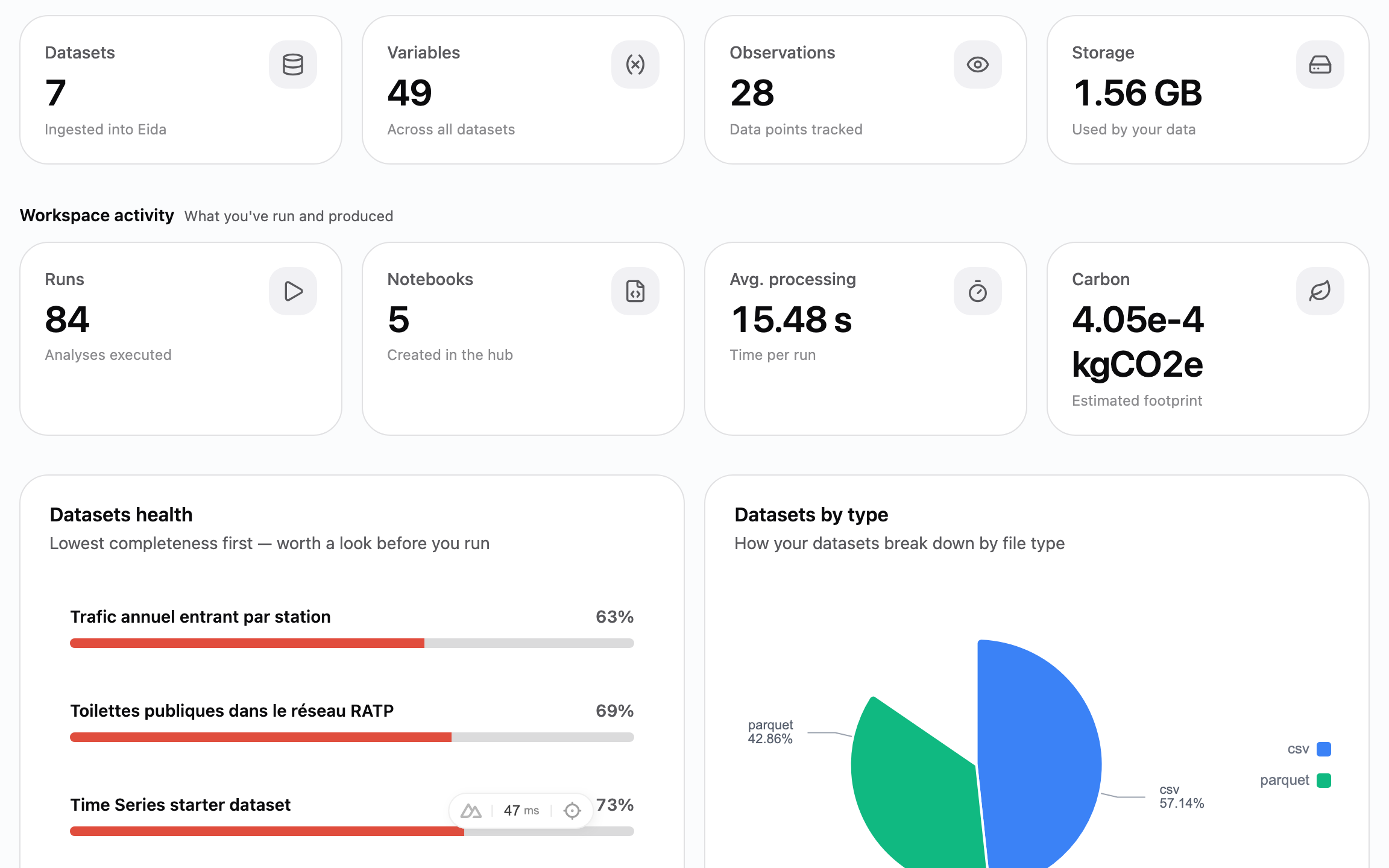
From upload to notebook.
Six stages, in the order a dataset moves through them. Every screenshot below is the real product.
- 01
Ingest
Upload a CSV, Parquet, or Excel file. Eida keeps the raw copy, converts it to Parquet, and catalogues every variable it finds.
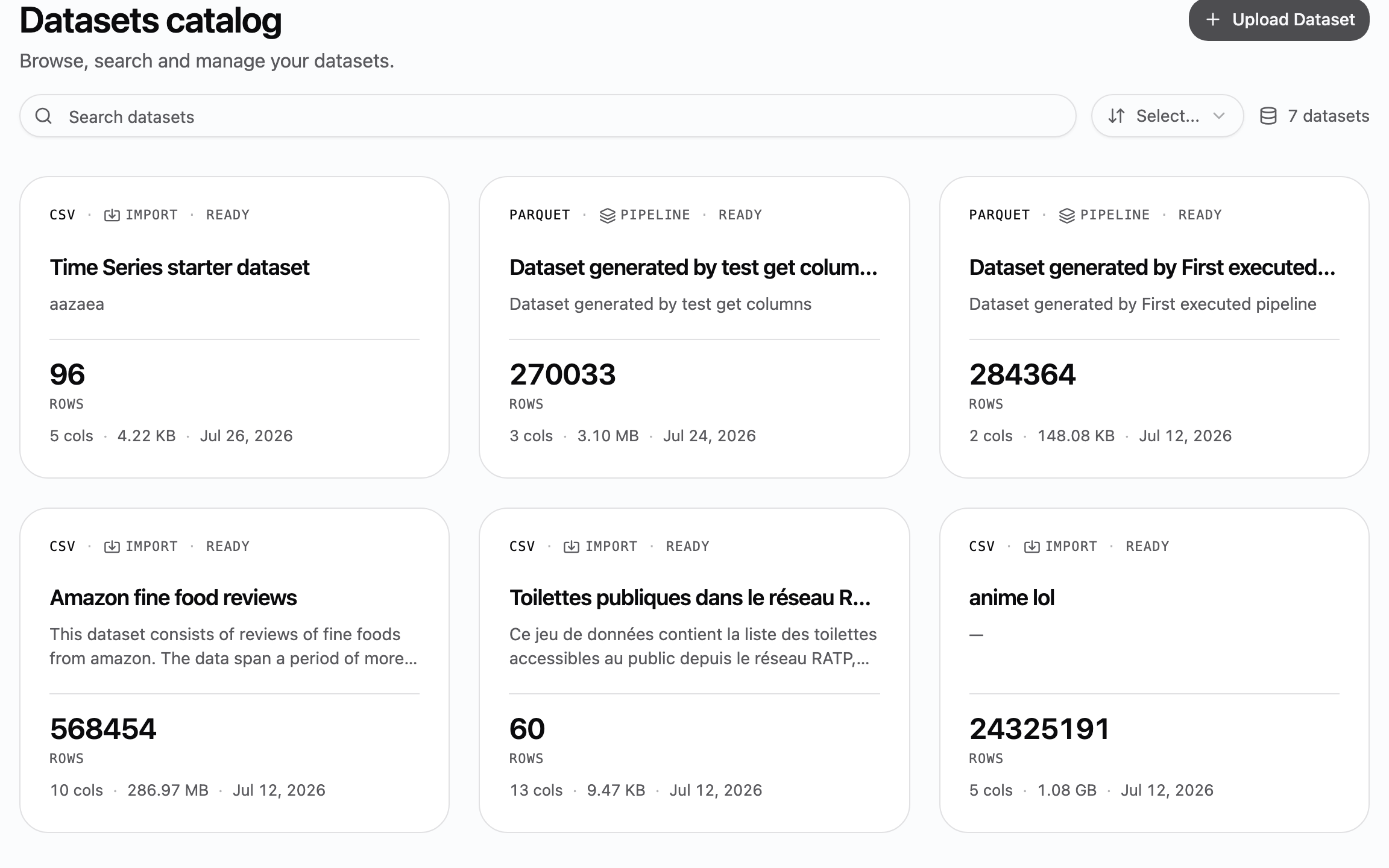
- 02
Profile
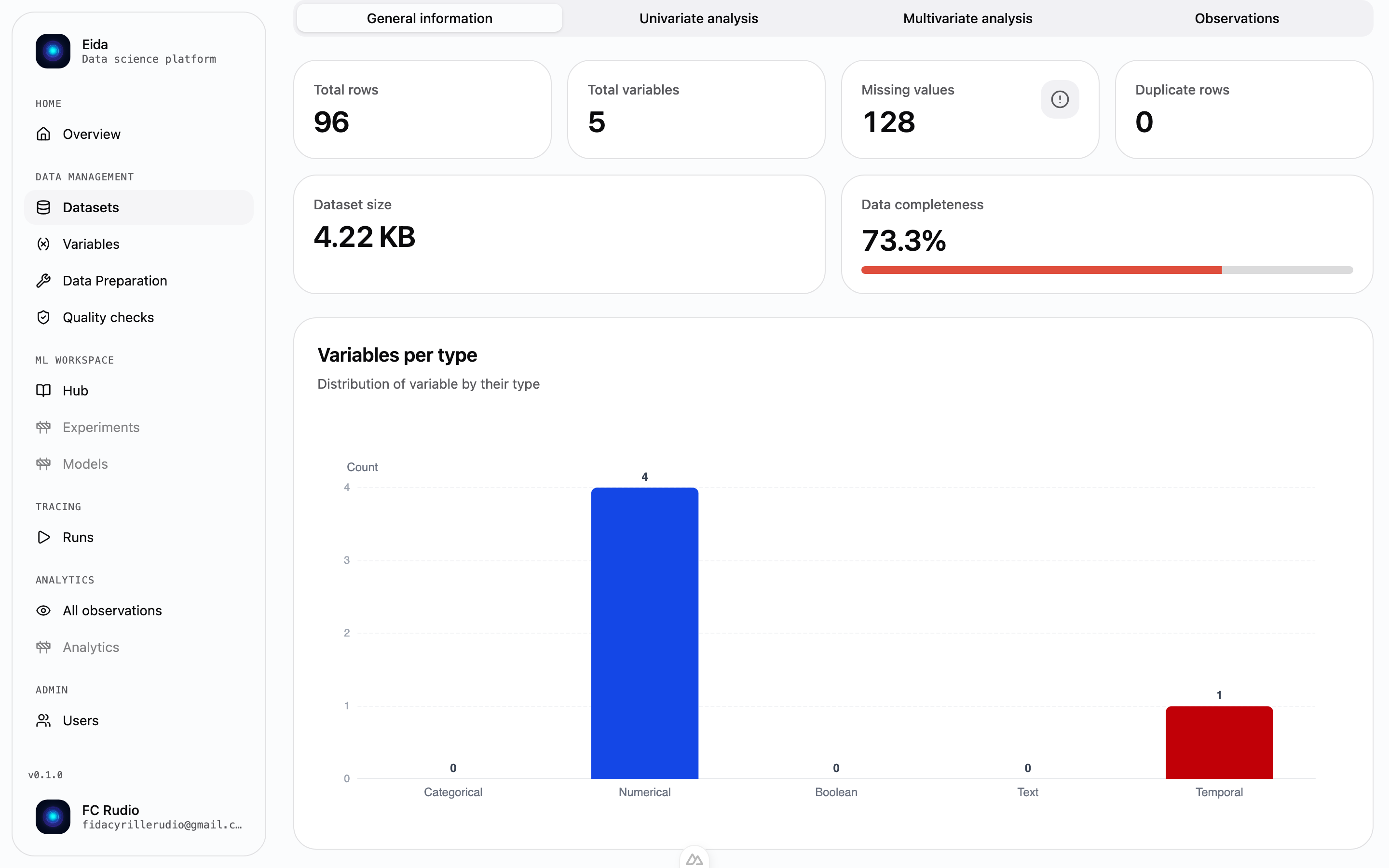
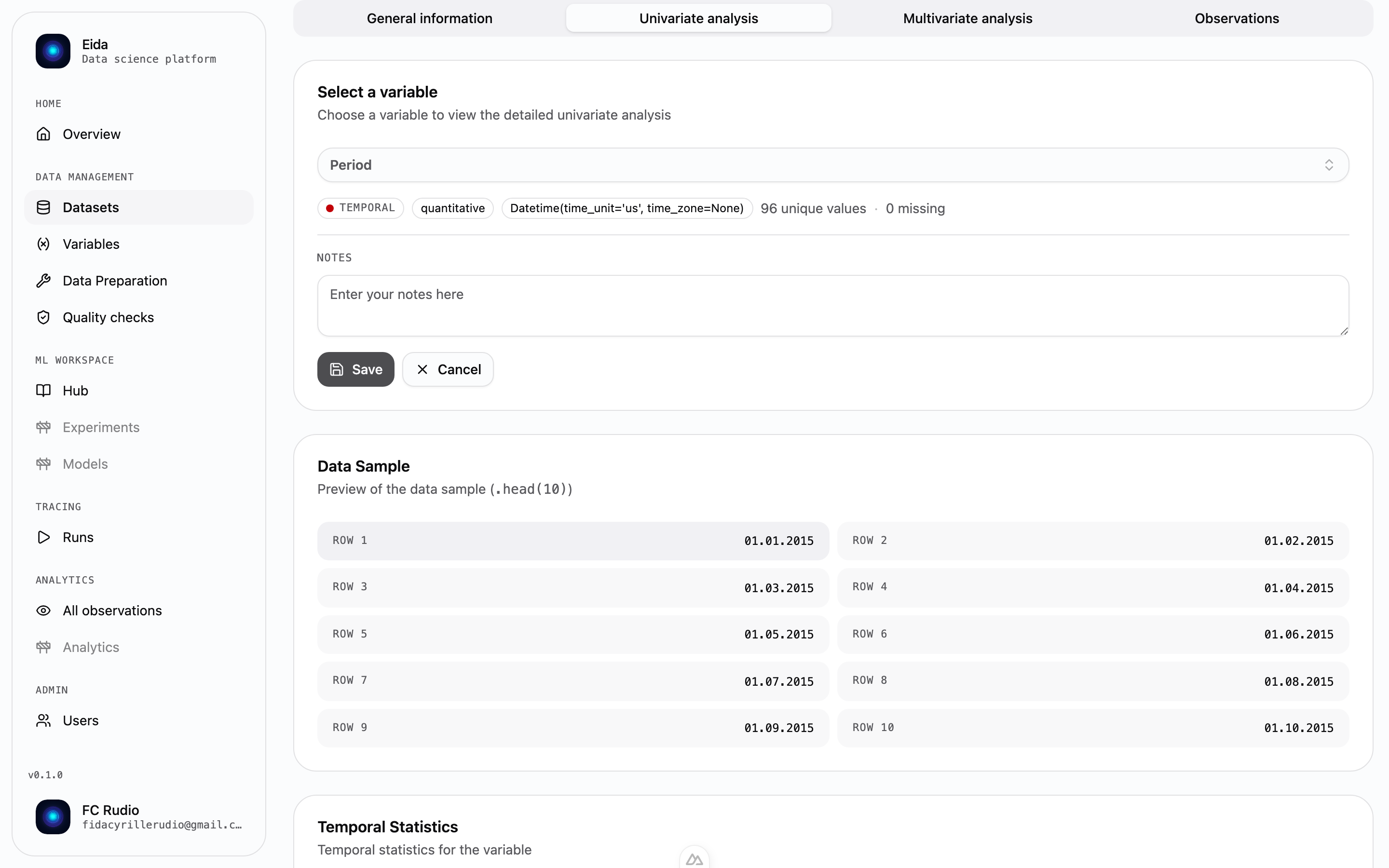
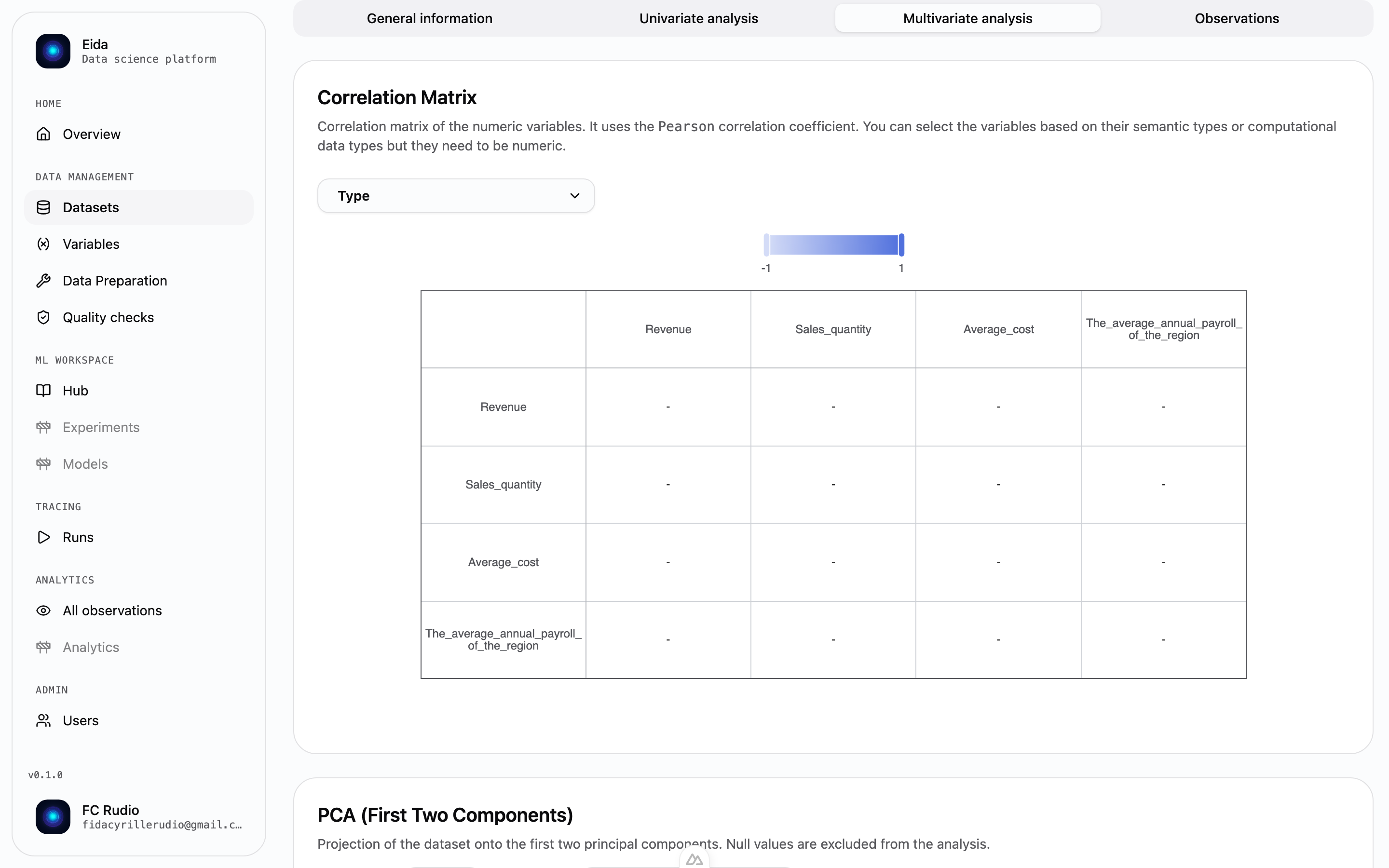
Type inference, distributions, and summary statistics for every variable — plus a correlation matrix and PCA for the dataset. No notebook required.
- 03
Prepare
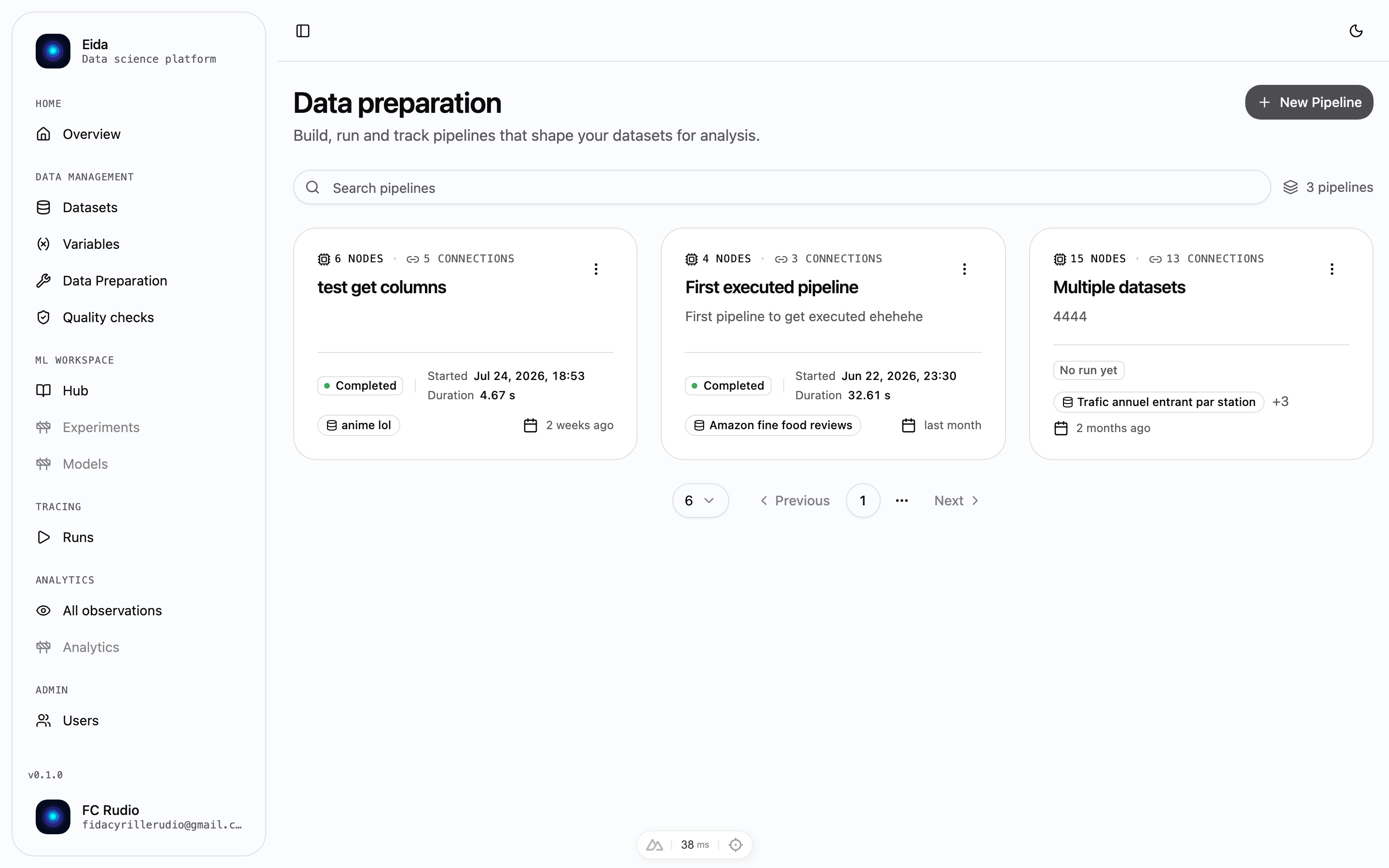
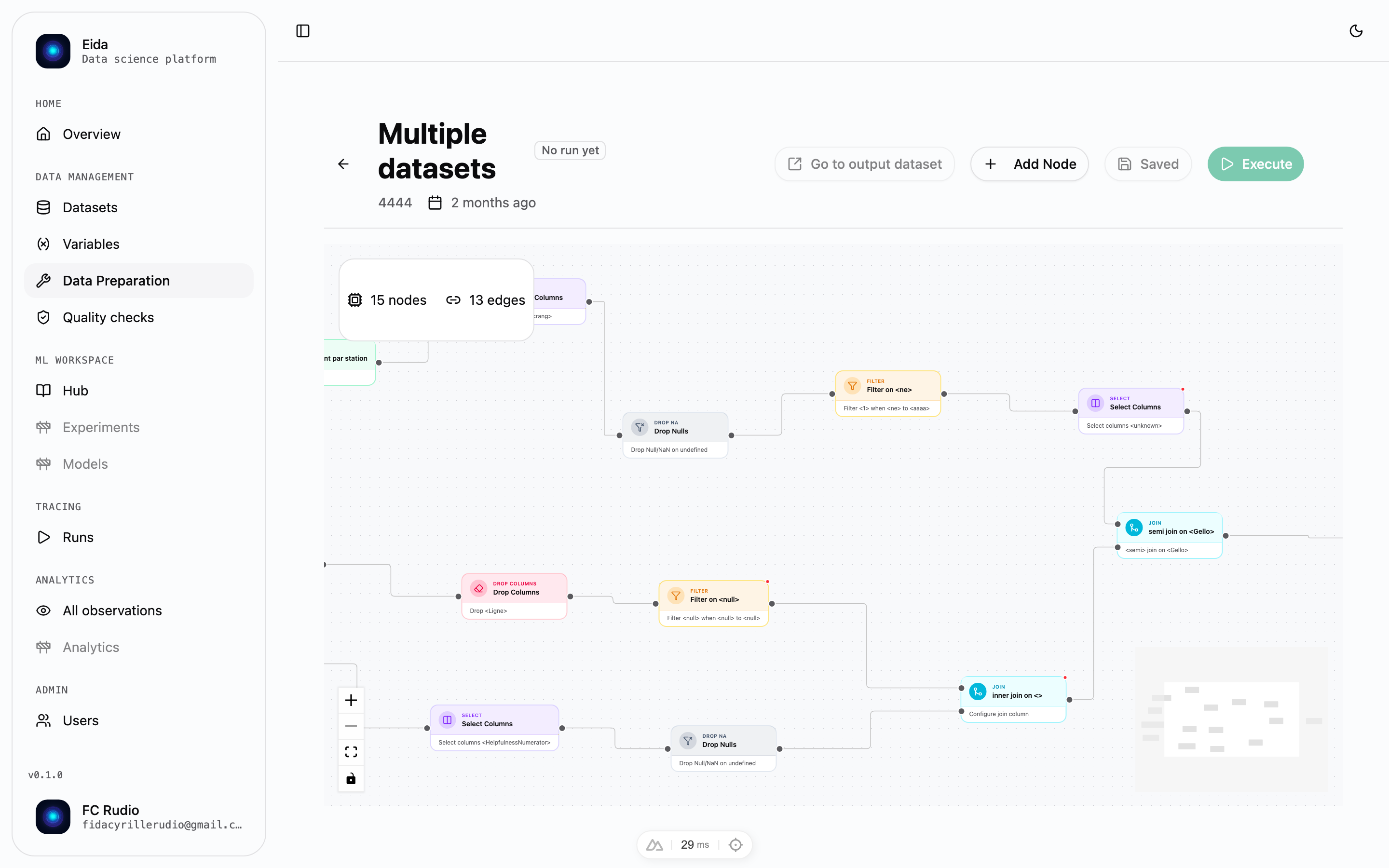
Wire nodes on a canvas to select, filter, join, group, rename, and deduplicate. Save the result and it becomes a new dataset, profiled like any other.
- 04
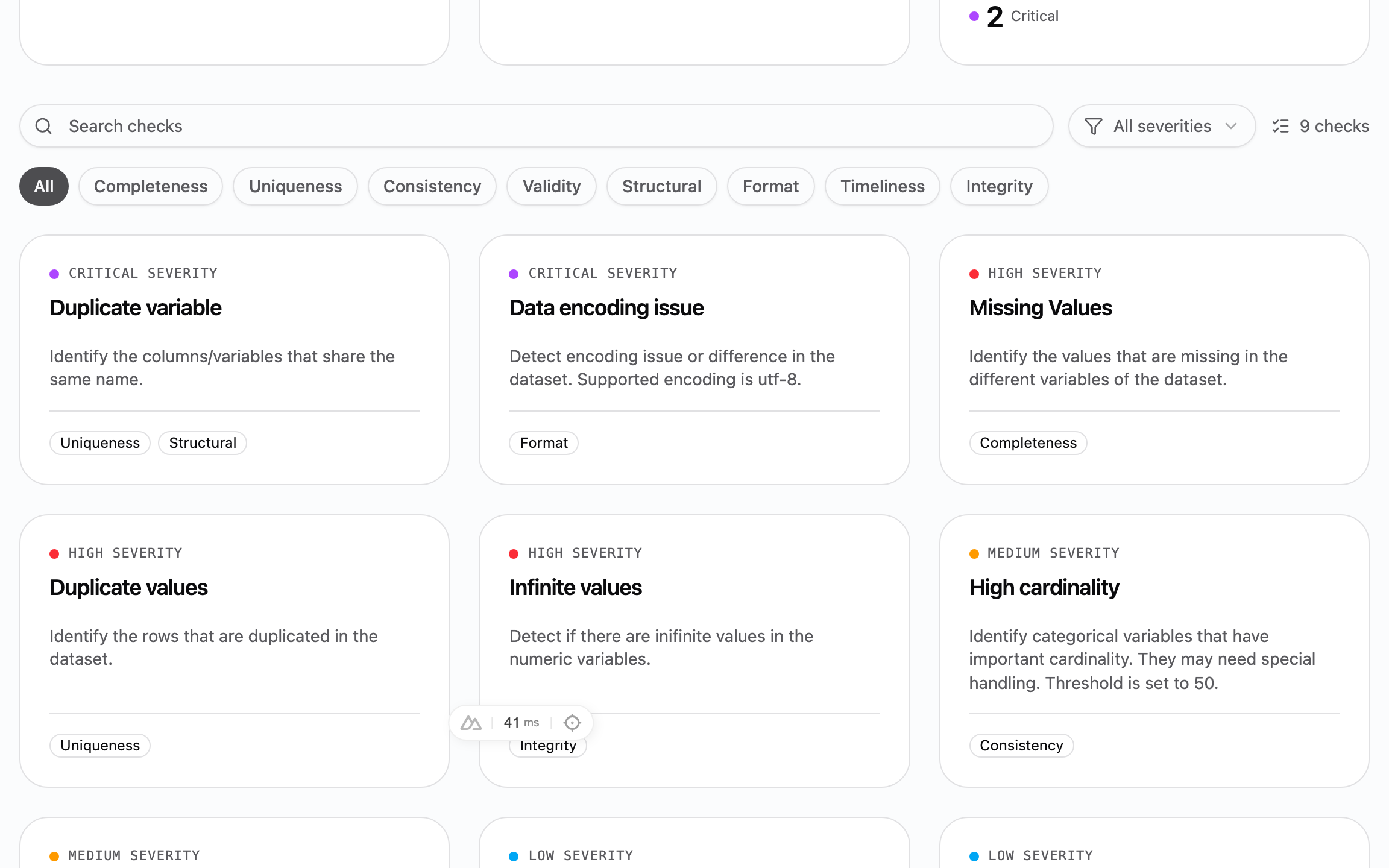
Check
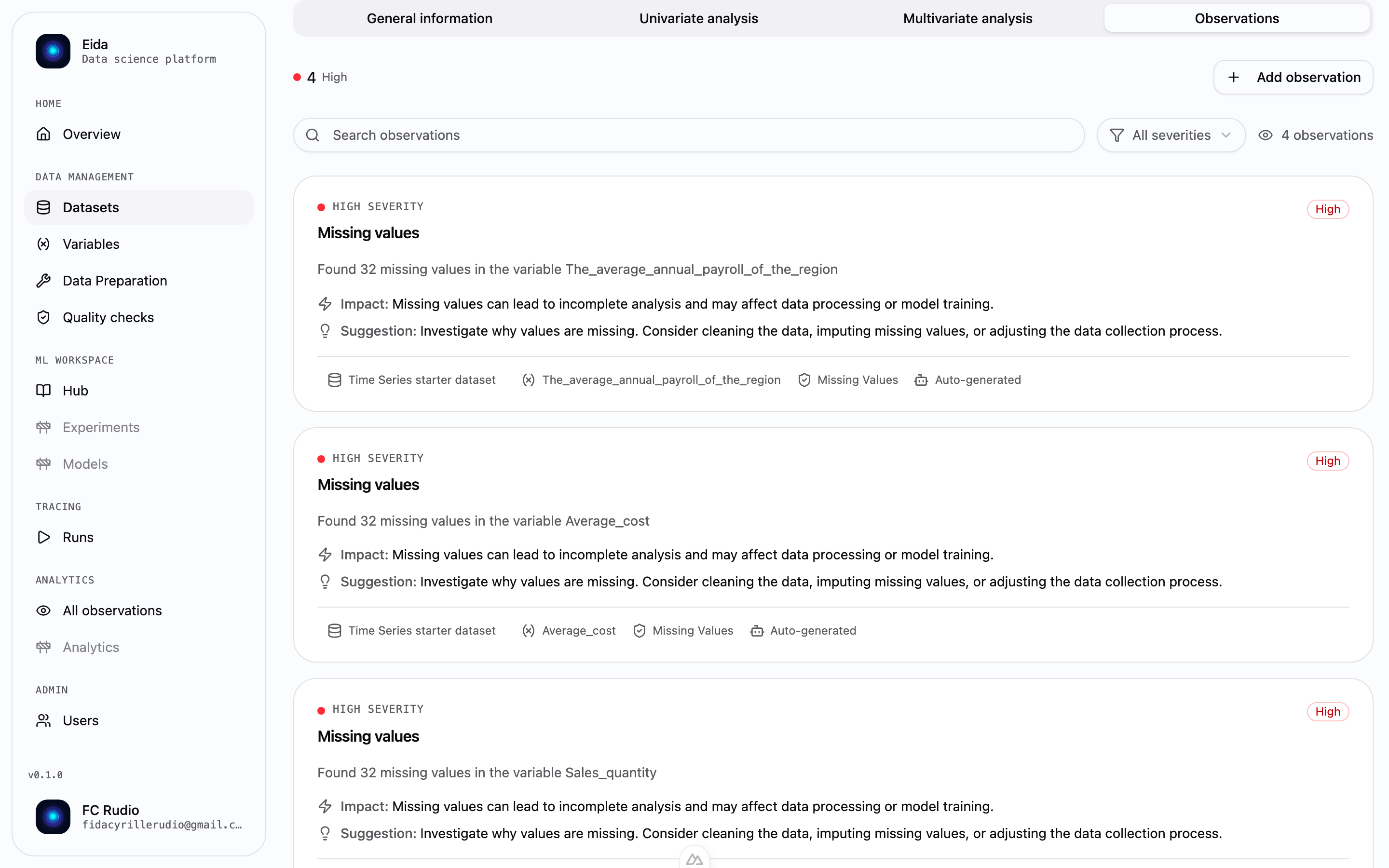
Nine checks run on every upload — missing values, duplicates, outliers, infinite values, future dates, high cardinality and more. Each finding carries a severity and a suggested fix.
- 05
Explore
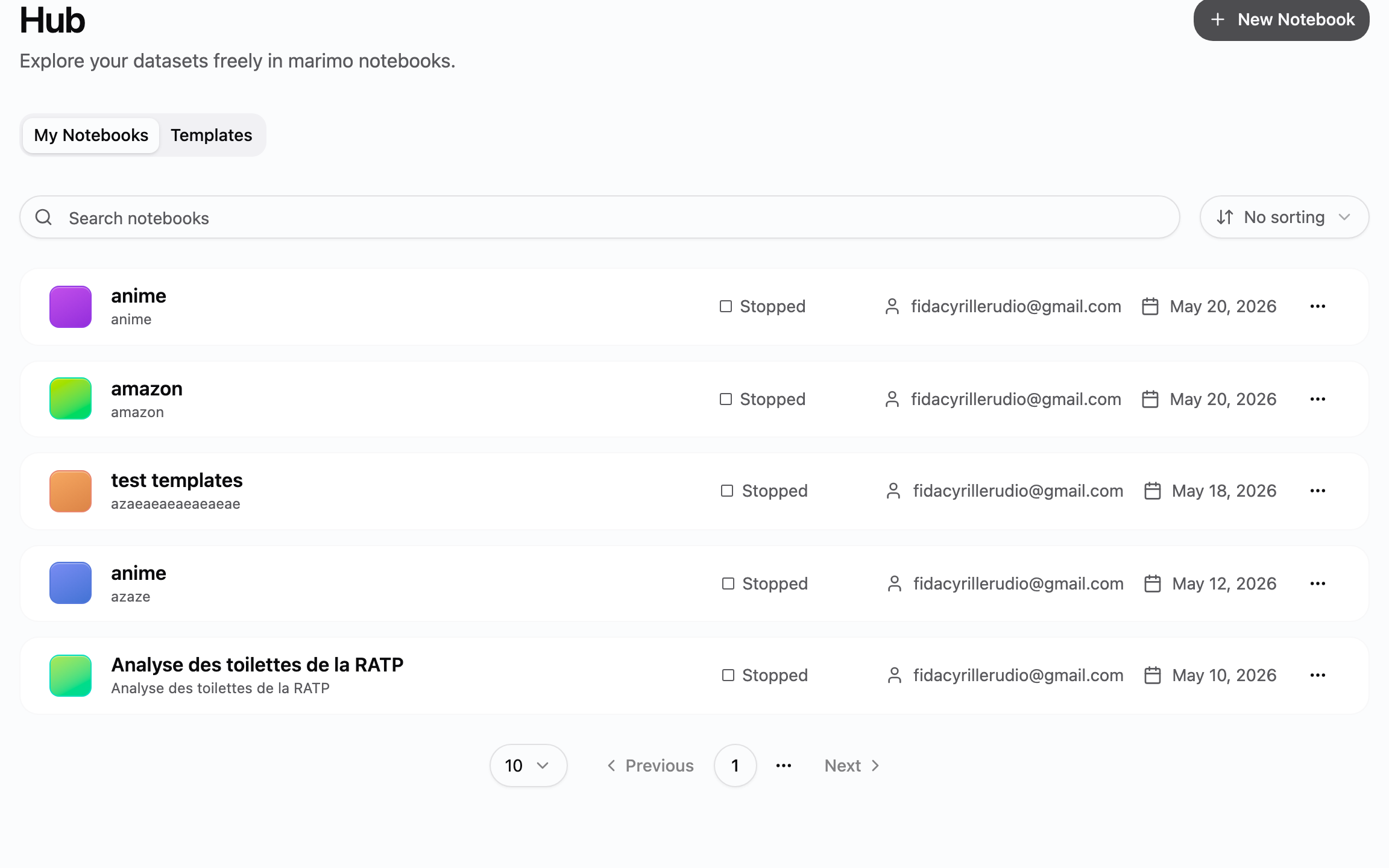
Launch a marimo notebook with the dataset already loaded as a Polars DataFrame. Start blank, or from the EDA, classification, or clustering template.
- 06
Observe
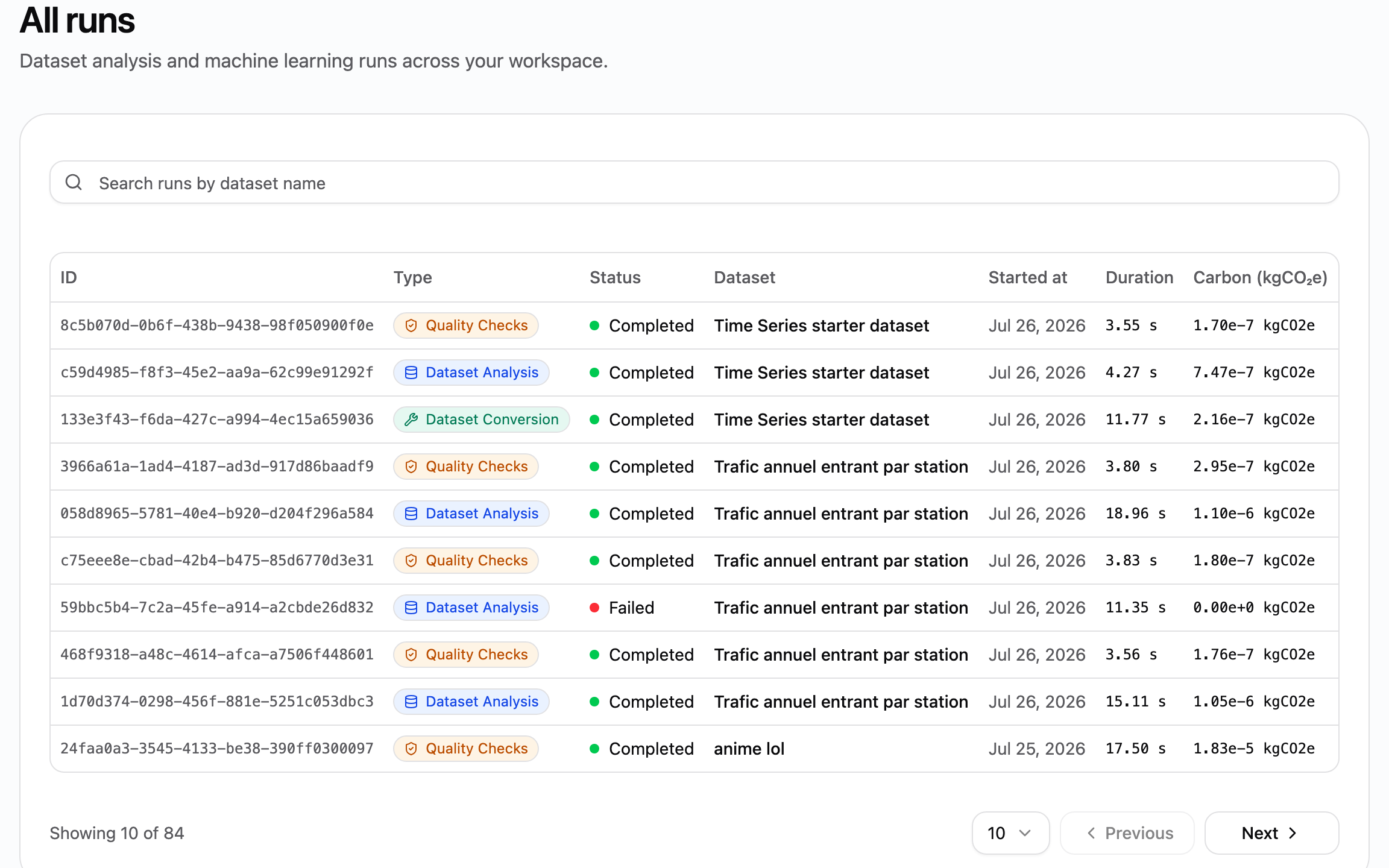
Every conversion, profile, check, and pipeline run is traced — status, duration, and the kgCO₂e it emitted, measured with CodeCarbon.
Tools you would have picked anyway.
Eida is not an engine you have to take on faith. The profiling is Polars, the orchestration is Prefect, the notebooks are marimo — and your data sits in Parquet you can read without Eida.
- Polars · polars-ds
- Computes every summary statistic, correlation matrix, and principal component.
- Prefect 3
- Runs each conversion, profile, check, and pipeline as its own traced flow run.
- marimo
- Notebooks kept as plain Python files — diffable and versionable, with no hidden cell state.
- Apache Parquet
- Every dataset is converted once and stored as Parquet, readable with or without Eida.
- CodeCarbon
- Measures the kgCO₂e recorded against each run.
No scheduler. The upload is the trigger.
- upload
- convert
- profile
- check
Each step fires the next, and each one lands in the run history with its own status, duration, and emissions. When a preparation pipeline saves its output, that output re-enters the chain as a new dataset — profiled and checked like the first one.
Open Eida, import a dataset and see the magic.
Open app